Cloud in a Bottle and the Missing App Store for Self-Hosting
 by ahsan
September 06, 2026
5 min read
by ahsan
September 06, 2026
5 min read
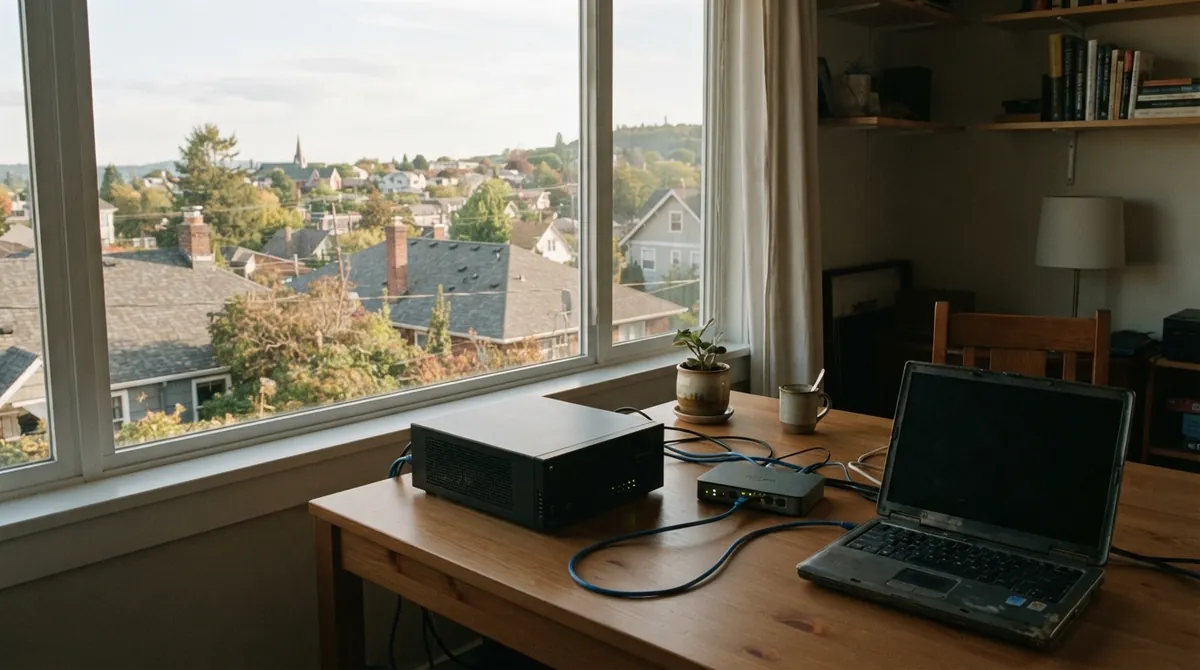
At some point, every self-hosting experiment reaches the same scene: a browser tab for a notes app, another for a media server, a terminal window full of logs, and a growing suspicion that one wrong command could bring the whole house down. The software may be excellent. The experience around it feels like unpaid infrastructure work.
Self-hosting means running software on hardware you control instead of using a company's hosted copy. A personal cloud is the more comfortable version of that idea: files, services, and web apps live on your machine but remain reachable from the devices you already use. Cloud in a Bottle is an attempt to turn that idea into a product rather than a pile of setup instructions. It offers a dashboard, an app catalog, and deployment options ranging from an old laptop to a rented virtual private server, which is a cloud machine you lease from a hosting company. (cloudinabottle.org)
The missing layer between an app and a server
The project is built around a practical question: how can self-hosting feel more like installing a phone app and less like becoming the weekend administrator of a small data center?
Cloud in a Bottle does not replace the server. It puts a friendlier layer over it. Under the dashboard sits a control plane, meaning the part of a system that decides what should run and manages the other parts. Here, a Python router serves the dashboard and application programming interface, builds apps from Git repositories, starts containers, handles routing, and manages the application lifecycle. (github.com)
A container is a packaged process with its software and dependencies kept separate from the host system. Cloud in a Bottle runs each app in a rootless Podman container. “Rootless” means the container does not run with the host machine's real administrator privileges; even a process that looks like root inside the container maps to an unprivileged identity outside it. That separation does not make an app harmless, but it creates a much smaller blast radius when something goes wrong.
For a public installation, the request path is handled for you. Caddy terminates HTTPS, which is the encrypted version of HTTP, while CoreDNS answers domain-name requests. A wildcard domain lets an app such as notes.example.com appear without creating a new DNS record and certificate by hand every time. The router reads the app subdomain, checks access, and forwards the request to the correct container. Think of it as a receptionist who knows which room each visitor is allowed to enter.
A small manifest turns a repository into an app
The packaging model is deliberately recognizable. An app repository contains a Dockerfile, which describes how to build the container image, plus a cloudinabottle.toml manifest that tells the platform how to run it. A minimal manifest might look like this:
[app]
name = "reading-list"
version = "0.1.0"
description = "A private reading list"

[runtime.container]
image = "Dockerfile"
port = 8080

[data]
sqlite = ["main"]
The name identifies the app, the port tells the router where its web server listens, and the SQLite entry provisions an embedded file-based database. The same manifest can also declare memory and processor limits, public routes, extra network ports, and which storage areas the app may access. This is a useful boundary: existing open-source software can often be adapted without rewriting it for a special platform, while new projects get a clear place to describe their needs. (cloudinabottle.org)
That model also changes the role of the catalog. Instead of searching for a full server tutorial for every application, an owner can install a prepared package from the dashboard. The current catalog covers familiar projects such as file tools, media servers, messaging, notes, monitoring, and development software, while still allowing an owner to deploy an app from a personal Git repository.
One login without one giant trust boundary
Separate logins are one of the small frustrations that make a collection of self-hosted apps feel unfinished. Cloud in a Bottle uses single sign-on, meaning one owner session can cover the dashboard and the apps on the instance. By default, the router authenticates requests before sending them to an app. A manifest can mark specific paths as public, but that decision is explicit rather than accidental.
The more important detail is what the platform does not share. Each app receives its own data directories and normally cannot see another app's files, the router database, TLS keys, or unrelated host resources. Containers run as the unprivileged host user, and additional capabilities or devices have to be requested. The catalog is curated, but the project still warns that catalog inclusion is not a guarantee of safety; the instance owner remains responsible for deciding which software to trust. That honesty matters, especially when installing small projects produced by unfamiliar authors or AI coding tools.
Apps can cooperate without becoming tangled together
Traditional self-hosted applications often behave like islands. Each one has its own data model, credentials, and integration tricks. Cloud in a Bottle introduces cross-app services: permissioned APIs through which one app can offer data or capabilities to another.
The router mediates those calls, so apps do not need to connect directly. A consumer app declares the service it wants and the permissions it needs; the owner approves those grants, and the provider app decides what the permission means. In practice, that could let a backup tool request access to app data or let a utility use a shared secret without handing it the entire machine. The pattern resembles the permission prompts found on a phone, but the interfaces are open for app authors to define.
Ownership still has edges
A friendlier interface does not erase the practical work of owning a server. The current deployment paths include personal hardware, a local virtual machine, a cloud server, and a managed instance. The public cloud-server guide still expects a domain, SSH access, a static public IPv4 address, and reachable web and DNS ports. Home installations bring their own networking puzzles, especially when an internet provider changes the household's address.
Data management is treated as part of the platform rather than an afterthought. Permanent data holds databases and configuration and belongs in backups. Temporary data is for replaceable files such as thumbnails or build artifacts. An archive tier handles larger files and can use local storage or S3-compatible object storage, which is storage that follows the API style popularized by Amazon S3. The separation is a quiet but important design choice: a database needs dependable local filesystem behavior, while large media files benefit from a different storage system.
That is what makes Cloud in a Bottle interesting. The containers are familiar, but the project treats identity, routing, storage, permissions, and app discovery as one connected experience. It does not promise that servers have no sharp edges. Instead, it tries to move those edges away from every daily action so that owning a personal cloud feels less like maintaining infrastructure and more like using software that belongs to you. (github.com)
Comments (0)
No comments yet. Be the first to respond!
Leave a Comment
Your comment will be visible after review.