How Cobalt Lets Your E‑Reader Run Signed Apps (Safely)
 by ahsan
August 21, 2026
6 min read
by ahsan
August 21, 2026
6 min read
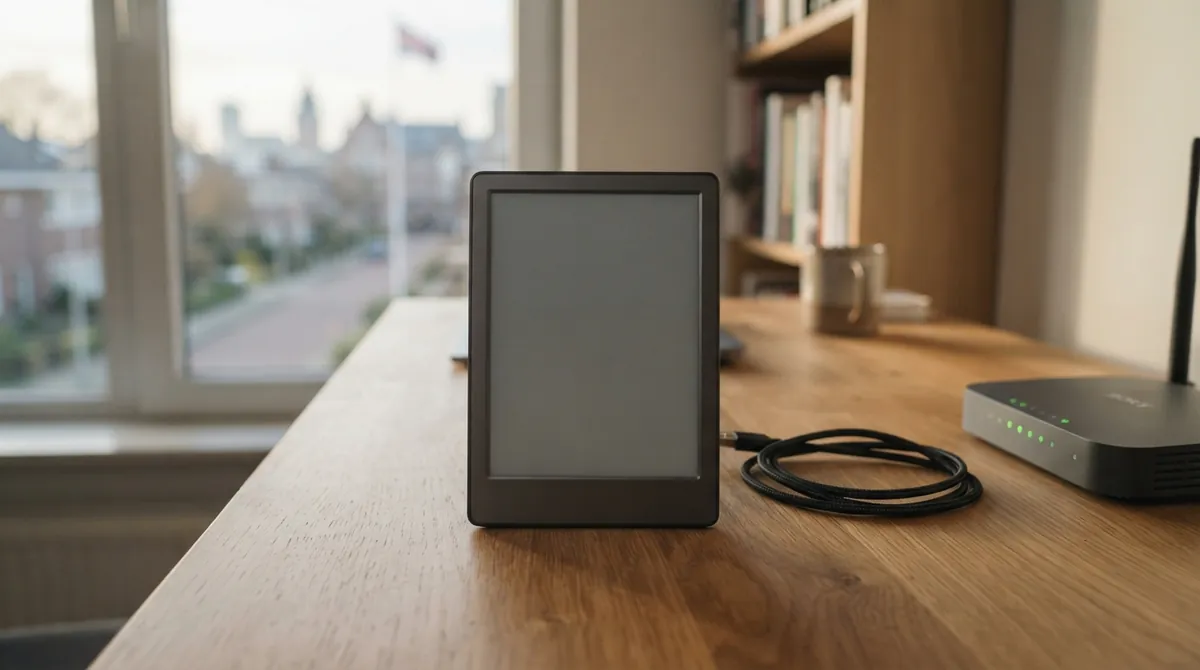
Picture this: you pick up an e‑reader because it’s wonderfully boring. No app crashes, no frantic updates, no “where did my battery go?” chaos. Then, one day, you realize the device is also… a tiny computer that could do more.
Cobalt (an open-source platform for Kobo e‑readers) takes that idea and answers the hard question: how do you let apps run on an e‑ink reader without turning it into a security free‑for‑all? The answer is a mix of sandboxing, code signing, and capability-based permissions, wrapped in a launcher and an app store experience.
The result feels like a gentle upgrade: one-time installation over USB, then app install/update/remove over Wi‑Fi—while a reboot reliably snaps you back to the stock reader experience.
The “e‑ink app store” problem nobody talks about
On phones and laptops, “run apps” is normal. On an e‑ink reader, it’s trickier because you’re dealing with a constrained CPU, a low-power environment, and a display that hates unnecessary work.
Two goals matter most:
- Contain apps when they misbehave. If an app does something wrong, the whole device shouldn’t become unusable.
- Avoid installing arbitrary code. An app store implies trust, so the platform needs a way to prove “this binary is exactly what the publisher meant.”
Cobalt’s design tackles both.
One USB install, then Wi‑Fi app management
The first time you set up Cobalt, you do it over USB. That’s not just convenience: the setup process depends on building and copying device-side components, then registering a menu entry.
After that initial setup, apps come from an app catalog and are installed over Wi‑Fi. Each app is packaged so the runtime can verify it before launching.
A reboot returns you to Kobo’s normal stock reader. Even if an app crashes, the system boundary is designed so the device doesn’t get permanently “stuck inside” third-party code.
What actually runs: signed static ARM binaries
At the application level, Cobalt runs apps as static ARM binaries.
- ARM: a common CPU architecture used in many embedded devices.
- Binary: compiled machine code (no source code needed on the reader).
- Static binary: linked so it carries what it needs internally, which avoids having to install extra libraries on the device.
- Unprivileged process: a process without elevated (“root-like”) permissions.
That “unprivileged process” idea is the heart of containment: an app gets its own execution context, but not the keys to the entire device.
Signed catalogs, signed manifests, signed binaries
App stores are full of subtle trust issues. Cobalt reduces the surface area by verifying multiple layers of what it installs.
Here’s the conceptual chain:
- The app store reads a signed catalog (a registry of available app packages).
- Each app package includes a manifest (a canonical description of what the binary should look like).
- A cryptographic signature covers those details, including the expected binary properties.
- The runtime checks signatures and digests again before launching.
One concrete detail in Cobalt’s security policy is use of Ed25519 signatures.
- Ed25519: a modern public-key signature scheme (digital signatures where verification can be done without revealing the signing key).
Cobalt’s policy describes an arrangement where signatures are tied to the canonical manifest, the manifest constrains the binary’s length and hash (SHA‑256), and the signed catalog constrains each HTTPS package URL and its digest/size.
That sounds heavy—but it’s the kind of heavy that prevents “almost the right app” situations.
Atomic installs: less time half-installed
Installing software is where things can go wrong: network drops, power loss, partial copies.
Cobalt’s runtime strategy is designed to be recovery-friendly through atomic directory swap behavior—meaning the update is applied in a way that avoids leaving the reader in a confusing intermediate state.
The sandbox that matters: capability-based permissions
Even a signed binary can contain mistakes—or malicious behavior. So the runtime also enforces what apps can do.
The key concept is capabilities.
- A capability is an explicit permission for a specific class of action (for example: “network access” or “audio playback”).
- Apps do not assume they can access device services. They must request capabilities that match what the app’s manifest declares.
Cobalt uses a mechanism where context.device() grants only what the manifest declares, and the runtime clamps further.
A few capability names illustrate the model:
network: foreground network accessbackground-network: network during scheduled wake windowsfrontlight-control: adjust front light brightnessaudio/bluetooth-audio: play audioscheduled-wake: be allowed to wake for refresh tasks
Requests that don’t match the declared manifest aren’t “silently ignored.” They come back as a denied outcome (for example: not declared, withheld for battery policy, or unsupported by the build).
Battery policy isn’t a suggestion
On a reader, battery isn’t a vague convenience—it’s a constraint. Cobalt’s capability system includes a power policy that limits expensive capabilities when the device is low on charge (and can withdraw certain permissions below a threshold unless charging).
This prevents a “run forever and drain the battery” app from becoming the default experience.
No arbitrary shell: terminal is a special capability
Some platforms effectively grant too much power when users see a “terminal.” Cobalt treats shell access as different in kind.
In the SDK documentation, the runtime explains that shell is treated as a pseudo-terminal capability hosted by the runtime, and it’s granted today only to a specific app named terminal.
That’s a safety boundary wrapped in ergonomics: you can have a terminal experience, but the runtime remains the only entity that can start/stop programs in that environment.
E‑ink reality: the runtime owns the display loop
A display isn’t a generic canvas. E‑ink devices behave differently than screens with constant refresh.
Cobalt’s SDK nudges app authors toward a rule that matters on e‑ink:
- Never block in a callback.
Why? Because the event loop is what draws the screen. If an app “holds” the loop waiting on network or computation, the UI stops updating.
So instead of blocking, apps schedule background work through the SDK runtime.
A small code sketch: fetch work without freezing the panel
Here’s the shape of the approach (in plain Rust-style pseudocode):
fn on_start(&mut self, context: &mut Context) {
 let task_id = context.device().spawn_fetch(
 "https://example.com/data".into(),
 /* offset */ 0,
 /* max_bytes */ 64 * 1024,
 );

 self.task_id = task_id;
}

fn on_task(&mut self, context: &mut Context, task_id: TaskId, outcome: TaskOutcome) {
 match outcome {
 TaskOutcome::Completed(bytes) => {
 self.render_results(context, bytes);
 }
 TaskOutcome::Failed(err) => {
 self.render_error(context, err);
 }
 _ => {}
 }
}
The key insight: rendering and drawing stay responsive because long work happens as tasks managed by the runtime, and the app receives results through on_task.
Even if the network is slow, the panel doesn’t get stuck on an empty “dead” screen.
What makes Cobalt feel practical: simulators and a real app model
Cobalt isn’t “just a launcher.” It includes an SDK and a browser/runtime simulator so development doesn’t require constantly wiring up the real device.
That matters because constrained environments punish trial-and-error.
In the SDK, apps are built around a declarative UI model and a lifecycle concept: the runtime owns the session, and the app provides screens, actions, and lifecycle callbacks.
Even for intermediate builders, this is a comforting shift: instead of fighting low-level device details, the runtime gives you measured e‑ink layout tools, refresh planning, and constrained IO patterns.
The bigger takeaway: security and UX can coexist
What’s genuinely interesting about Cobalt is how it ties together layers that usually live far apart:
- Installation and updates over Wi‑Fi
- Cryptographic assurance of what was installed
- An app runtime that enforces permissions
- A drawing model designed for e‑ink event-loop reality
This is the “why” behind the story: safe app ecosystems aren’t only about signing code. They’re also about designing the runtime boundary so that the device remains dependable.
And maybe that’s the best way to think about Cobalt: it’s not turning an e‑reader into a phone. It’s giving the reader a controlled way to evolve, without losing its calm.
Closing thought
Running apps on an e‑ink reader sounds like rebellion until you see what Cobalt actually built: signed delivery, capability-based permissions, and a reboot-to-stock safety behavior. The result isn’t “anything goes.” It’s “more possibilities, with guardrails.”
Comments (0)
No comments yet. Be the first to respond!
Leave a Comment
Your comment will be visible after review.