OpenLogi and local-first HID++ remapping with Rust + TOML
 by ahsan
August 19, 2026
7 min read
by ahsan
August 19, 2026
7 min read
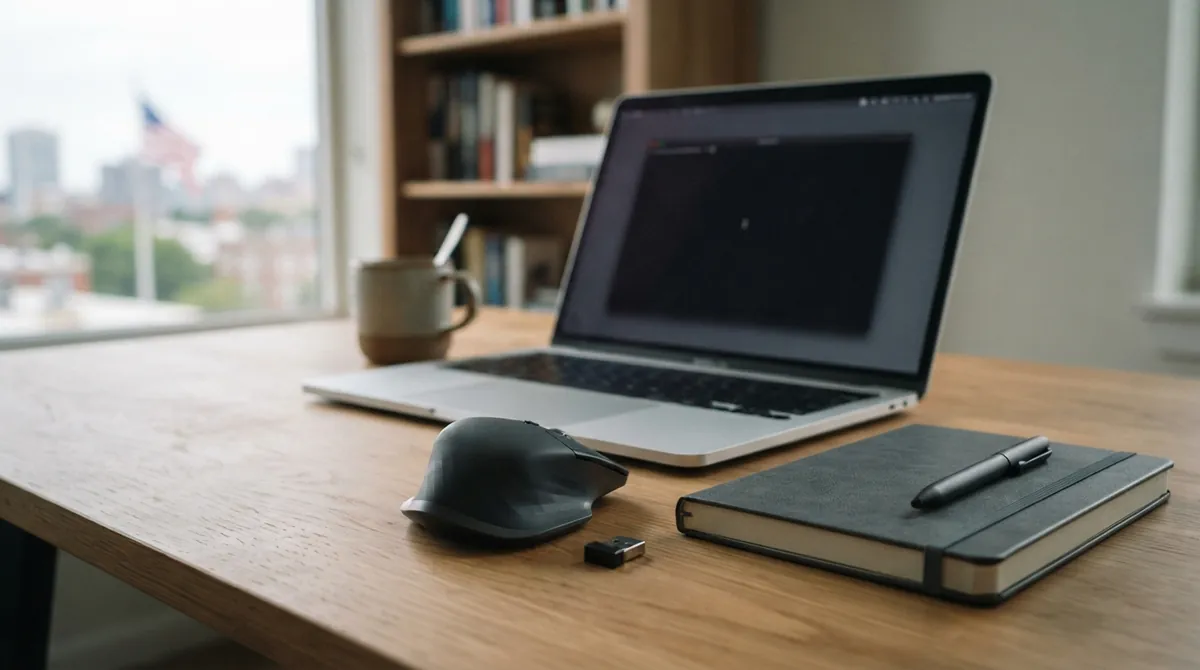
A few weeks ago, there was that moment: the “official” mouse software was eating system resources, and every change felt like it was traveling out into the internet cloud. Then the mouse would reconnect, DPI would reset, and the button layout that actually matched how we work was gone again.
That’s the kind of problem that drives people toward OpenLogi: a native, local-first alternative to Logitech Options+ that speaks directly to Logitech mice over HID++ and stores everything in a plain TOML file you own—no account, no telemetry. (github.com)
This post walks through the underlying idea—how local-first button remapping can work end-to-end—without assuming prior experience.
What “local-first” really means for mouse remapping
“Local-first” sounds like marketing until you break it into concrete behaviors.
For a remapping tool, local-first usually means:
- Settings live on your machine in a readable config file (not only in an opaque cloud UI). OpenLogi uses a TOML file for bindings, DPI presets, and per-app overlays. (openlogi.org)
- Changes are applied to the device over the local connection by sending HID++ commands to the mouse/receiver—so reconnecting doesn’t erase your intent. ()
- Network calls are minimized. OpenLogi’s default behavior is device-image fetching (and optional update checking), rather than sending usage telemetry about how you type or click. ()
That last part matters more than most people expect. Mouse remapping is the kind of tool that’s always running, always sensitive, and always near your behavior.
The three layers: OS input, HID, and HID++
To understand how OpenLogi can remap buttons without Logitech Options+, it helps to separate three layers that often get blended together.
1) OS input hooks (optional, but for some actions it’s required)
An input hook is a small piece of software that intercepts input events (like mouse clicks) at the operating-system level before the events reach apps.
OpenLogi distinguishes between two kinds of behavior:
- “HID++ side” features like DPI and SmartShift that are configured inside the device.
- “System key” features like certain keyboard-style remaps that require OS-level interception.
OpenLogi even exposes a capture_mouse_events setting that controls whether its background agent installs a mouse-capture hook. Turning it off stops the app from “owning” input, while device-side HID++ features can still work. ()
2) HID (the universal USB mouse language)
HID stands for Human Interface Device. It’s a widely used standard where devices report inputs like button presses and movement.
3) HID++ (the feature-control layer Logitech adds)
HID++ is a Logitech-specific protocol that lets the host query and configure features—think “tell the sensor what DPI to use” or “switch SmartShift behavior.” In OpenLogi’s docs, HID++ features are cataloged by 16-bit feature IDs, and OpenLogi provides typed wrappers for a subset of them. ()
Two feature IDs that show up immediately in real remapping workflows are:
0x2201adjustableDpi: DPI sensors and presets. ()0x2111smartShiftWheelEnhanced: SmartShift ratchet/free-spin with threshold behavior. ()
So the core trick is this: the GUI is only the front door. The real work is sending HID++ commands down to the mouse (or receiver), using the protocol features the device supports.
From clicks to config: how TOML becomes device behavior
The most satisfying part of local-first tools is that you can open the config and see a human-readable reality.
OpenLogi stores all settings in a single TOML file. TOML (short for Tom’s Obvious Minimal Language) is a plain-text format designed to be readable and easy to parse. In OpenLogi’s case, it includes device bindings, DPI presets, and per-application overrides. ()
A quick look at the config structure
The docs describe a top-level schema_version and a selected_device, then per-device blocks under [devices.<key>]. The config format also includes [app_settings] for global preferences and [keyboard] for system-level key remapping. ()
Here’s a small, original example in the same spirit (not copying any particular user’s file):
schema_version = 4
selected_device = "receiver:11223344:slot:1"

[app_settings]
check_for_updates = false

[devices."receiver:11223344:slot:1"]
# DPI preset list in device order
dpi_presets = [800, 1600, 3200]
# pick one as the current value
dpi = 1600

# per-button remapping for that physical device
[devices."receiver:11223344:slot:1".bindings]
Back = "BrowserBack"
Forward = "BrowserForward"
Thumbwheel = "VolumeUp"

# per-app overlay: a value is applied only when that app is focused
[devices."receiver:11223344:slot:1".per_app_bindings."com.microsoft.VSCode"]
Back = "Undo"
A few details are worth absorbing because they explain why this approach scales:
- Device identity is explicit. Since OpenLogi targets physical devices, device keys can include receiver UID/slot info or a direct Bluetooth/USB identity. Two mice of the same model won’t accidentally share one config block. (openlogi.org)
- Per-app bindings are layered on top of defaults. Each device block can include
per_app_bindingsindexed by app IDs, so you don’t need separate full configs per application. ()
Atomic writes (why “my file got corrupted once” doesn’t happen as often)
Local-first tools live and die by reliability.
OpenLogi’s configuration writer updates the TOML file using an atomic approach: it writes a temporary file and then renames it into place. On top of that, the docs mention a backup rotation strategy (copying the old config before overwriting) so manual edits aren’t lost silently. ()
This kind of filesystem discipline matters. The moment you rely on a config file as your source of truth, you also need strong guarantees about writes.
How DPI presets and SmartShift map to HID++ features
Now let’s connect “config fields” to “device behavior,” using the HID++ feature IDs we saw earlier.
DPI: configuring the sensor over HID++ (0x2201)
When you set DPI presets and choose one active value, the host isn’t storing DPI in some local database. It’s telling the mouse’s sensor what resolution to use.
OpenLogi’s HID++ feature catalog identifies 0x2201 adjustableDpi as the feature covering “DPI sensors and presets.” ()
The practical outcome: your cursor sensitivity isn’t a fragile software setting—it’s a device-level configuration.
SmartShift: ratchet/free-spin behavior over HID++ (0x2111)
SmartShift is the wheel behavior that switches between ratcheted scrolling and a freer mode.
In the HID++ feature list, OpenLogi maps 0x2111 smartShiftWheelEnhanced to “ratchet/free-spin + threshold.” ()
So when a tool offers a “threshold” slider or a “free-spin below/above X speed” concept, it isn’t inventing it. It’s exposing what the device firmware already supports, via a known feature ID.
Per-app profiles: the tricky part isn’t HID++, it’s focus
A per-app profile feels magical when it works: the moment you switch to an app, the mouse changes behavior.
The hard part is not the remapping itself. The hard part is deciding which app is in the foreground and when the “active app” changes.
OpenLogi’s configuration makes this explicit through per_app_bindings keyed by app IDs, with fallback to base bindings when an app-specific entry doesn’t exist. ()
Under the hood, a tool like this typically listens for window-focus changes using OS facilities (macOS accessibility APIs, Windows UI focus APIs, or Linux desktop environment signals). Once it knows “VS Code is focused,” it selects the overlay table and re-applies relevant HID++ settings.
Here’s the question that usually comes up during debugging: why does the profile sometimes feel late by a fraction of a second? That timing is usually the focus-detection pipeline, not the HID++ command itself.
Cross-platform engineering reality (and why quitting Options+ matters)
It’s tempting to think “protocol over USB” is the whole story.
In practice, cross-platform input remapping has two recurring problems:
1) Permissions and input injection: the OS must allow a program to observe input and/or send synthetic events.
2) Device ownership conflicts: multiple apps can try to talk to the same receiver/device.
OpenLogi’s docs call out the conflict directly: Logitech Options+ also speaks HID++, and only one app can own the receiver at a time—so Options+ should be quit before launching OpenLogi. (github.com)
That “only one owner” rule is common in hardware integrations. Even if two programs both understand the protocol, the device/receiver often can’t handle simultaneous competing control sessions.
The end result: remapping you can version-control
Once you’ve configured a device, the biggest win becomes practical rather than theoretical.
Because OpenLogi’s bindings are in plain TOML, the mapping is:
- portable (copy the file to another machine)
- reviewable (diff changes to understand what actually changed)
- auditable (you can audit what actions are bound to what buttons)
And the HID++ feature mapping means DPI and SmartShift are configured in device terms, not “temporary magic” inside an app process. ()
Wrapping up
OpenLogi’s approach is a neat synthesis of three ideas:
- Local-first configuration stored in a human-readable TOML file with reliable atomic writes. ()
- Device-side control via HID++ using known feature IDs like
0x2201 adjustableDpiand0x2111 smartShiftWheelEnhanced. () - Per-app overlays implemented as layered bindings keyed by app identity, with OS focus detection doing the timing work. ()
So the story isn’t only “a better mouse app.” The deeper win is learning that remapping doesn’t have to be an opaque, account-bound black box. It can be a reproducible system: config file in your hands, protocol knowledge under the hood, and your device behavior staying yours.
Comments (0)
No comments yet. Be the first to respond!
Leave a Comment
Your comment will be visible after review.