TALA Is Open-Source: A Whiteboard-Minded Layout Engine
 by ahsan
September 08, 2026
5 min read
by ahsan
September 08, 2026
5 min read
A few lines of D2 source can describe an entire software architecture. The boxes appear, the connections route themselves, and a rough idea starts looking like something you could pin to a conference-room wall. Then one more service gets added, and the whole picture shifts.
That moment is where a layout engine earns its keep. A layout engine is the software that decides where diagram shapes belong and which paths their connecting lines should take. TALA, Terrastruct’s AutoLayout Algorithm, is now open-source under the same Mozilla Public License 2.0 (MPL-2.0) used by D2.
The interesting part is not only that the code is available. TALA also brings a different idea of what a good architecture diagram should look like.
Why another layout engine matters
D2 is a text-to-diagram language: you describe relationships in text, and D2 turns them into a visual diagram. Underneath, that diagram is a graph, meaning a collection of nodes and edges. A node is a shape such as an API or database. An edge is the line showing a relationship between two shapes.
Some graphs behave like conveyor belts. A request enters on the left, passes through several services, and exits on the right. That is close to a directed acyclic graph, or DAG: a graph where connections have a direction and never loop back to an earlier point. Dagre and ELK, two other layout engines available in D2, are often strong choices for this kind of layered flow.
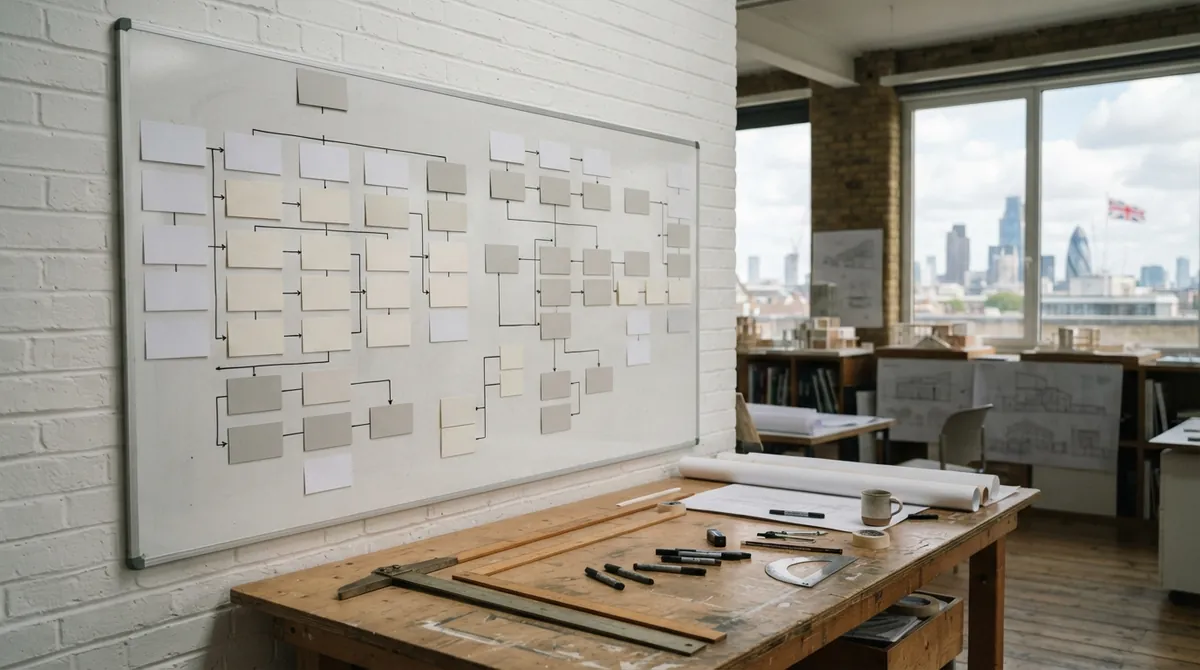
Other diagrams feel more like a whiteboard. Several services sit beside one another, a shared database connects to different groups, and the important relationships run sideways as often as they run downward. TALA is designed for that world. It primarily uses an orthogonal layout, which means connector lines prefer horizontal and vertical segments with right-angle turns.
Why does a software architecture diagram sometimes look better as a whiteboard than as a flowchart? Because architecture is not always a sequence. It is often a set of neighborhoods, boundaries, and shared resources.
TALA scores the whole picture
Autolayout can sound like a single rule: put related things close together and avoid crossing lines. Real diagrams make that goal surprisingly tricky. A layout can have few crossings but scatter related services across the page. Another can be compact but feel lopsided.
TALA evaluates several qualities at once. It considers symmetry, the typical distance between related nodes, visual flow, and clustering, which means keeping similar or connected nodes near one another. It also weighs many smaller details that affect whether a diagram feels calm or crowded.
A D2 file can select TALA through its configuration:
vars: {
 d2-config: {
 layout-engine: tala
 }
}

browser: Web app
api: API
queue: Job queue
worker: Worker
database: Database

browser -> api
api -> queue
queue -> worker
api -> database
worker -> database
The vars block stores configuration, while the rest describes the architecture. There are no x- and y-coordinates in this example. TALA examines the entire graph and chooses an arrangement that balances the different relationships instead of following a single top-to-bottom recipe.
Pin the landmarks, let TALA fill in the streets
Fully automatic layout is useful until a diagram has one or two landmarks that must stay put. Fully manual layout has the opposite problem: every box and connector becomes your responsibility. TALA offers a middle ground by allowing some objects to use fixed positions and sizes while the engine arranges everything around them.
vars: {
 d2-config: {
 layout-engine: tala
 }
}

frontend: {
 top: 80
 left: 80
 width: 180
 height: 70
}

api: API service

database: {
 top: 80
 left: 460
 width: 180
 height: 70
}

frontend -> api -> database
Here, frontend and database act like thumbtacks on a board. Their positions and dimensions are specified, but TALA still places the API service and routes the connections. This hybrid approach—partly manual, partly automatic—is useful when you already know the broad composition but do not want to calculate every line bend yourself.
It also fits automated diagram generation. A script or model can sketch a rough two-dimensional arrangement, while TALA handles the more tedious geometry: spacing, collision avoidance, and edge routing, which is the process of deciding where connection lines travel.
The tradeoffs are part of the design
TALA uses randomness during its search. A seed is the starting value that controls that randomness. The engine can try several seeds, score the resulting layouts, and keep the strongest candidate. With the same input and the same seeds, the result can be repeatable. Add one node, though, and the best candidate may change enough to move much of the diagram.
That behavior can be welcome when you are searching for a better composition. It can be frustrating when a small edit produces a large visual diff in documentation. Dagre and ELK tend to preserve more of the previous shape when a graph gains one extra node.
TALA also is not the universal winner for directed graphs. Long pipelines and strongly directional workflows may read more clearly with Dagre or ELK. TALA’s strengths appear when the diagram has clusters, shared dependencies, mixed directions, or a few positions that deserve special treatment.
Finally, larger diagrams can take longer to process. Its runtime does not always grow in a straight line with diagram size because more nodes and edges create more possible interactions. For a small architecture sketch, that cost may be invisible. For a dense system map, it becomes part of the layout decision.
Trying TALA in D2
Once TALA is included in your D2 installation, select it from the command line:
d2 --layout=tala architecture.d2 architecture.svg
A useful comparison is to render the same source with tala, dagre, and elk. Look beyond the prettiest screenshot. Notice whether related services stay together, whether connector crossings remain readable, and whether the layout supports the story the diagram is meant to tell.
Open-sourcing TALA makes that comparison more meaningful. The layout engine is no longer a black box that users can only accept or reject. Developers can inspect the ideas behind hierarchy, placement, routing, and labeling, then improve the parts that behave poorly on real diagrams.
TALA does not replace Dagre or ELK. It adds another mental model: not every architecture is a pipeline. Some diagrams are rooms and neighborhoods, and TALA is built to arrange them that way. D2 now lets you describe those structures as text, anchor a few important landmarks, and leave the streets between them to an open layout engine.
Comments (0)
No comments yet. Be the first to respond!
Leave a Comment
Your comment will be visible after review.